Practical AI voice projects

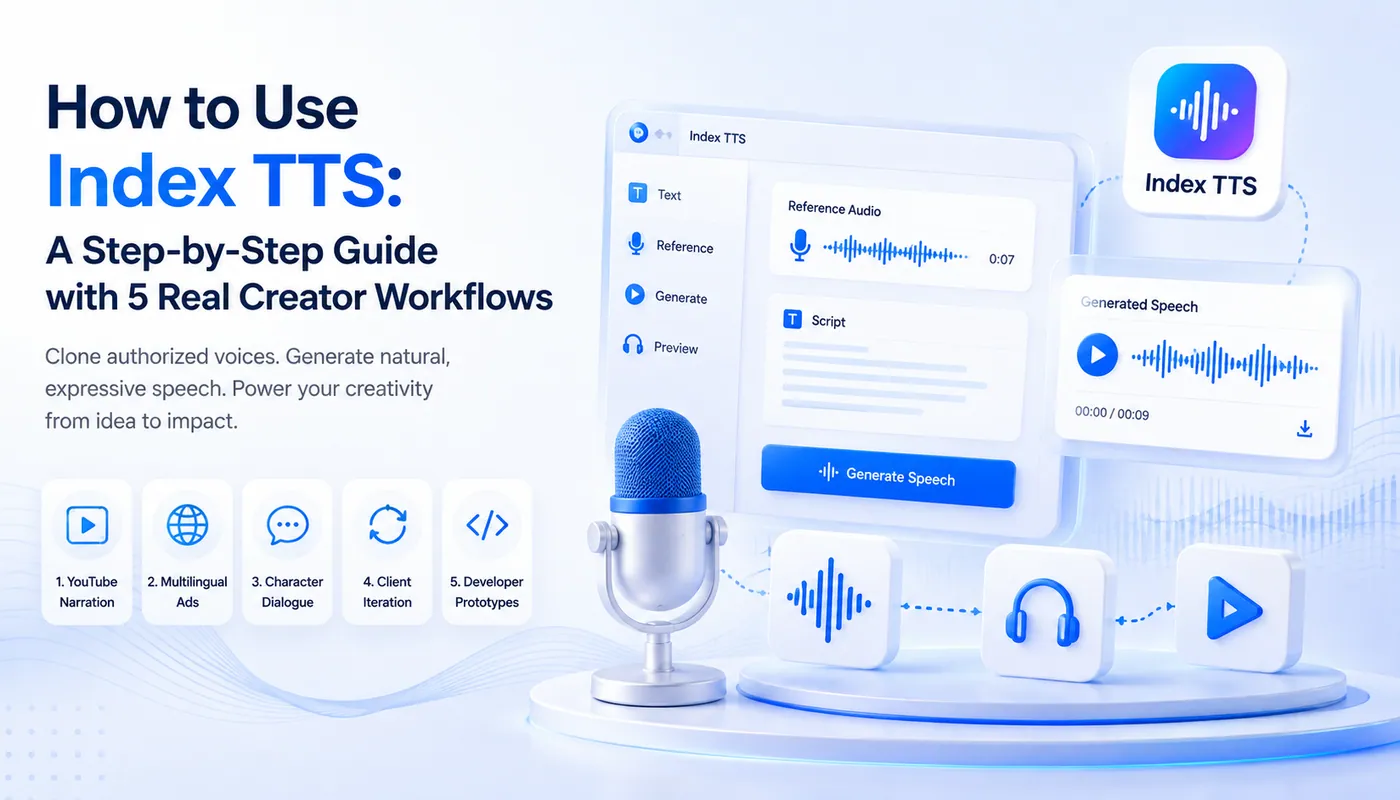
Index TTS Creator Workflows: 5 Practical AI Voice Projects

Generate your first authorized voiceover, review it intelligently, and adapt the same process for narration, multilingual marketing, character dialogue, client iteration, and product prototypes.

How to use Index TTS with five creator workflows for narration, marketing, characters, clients, and prototypes

Build a repeatable voice-production baseline

Create one approved baseline that can be reused across the five production workflows below.

Text, reference, generation, review

The online workflow is intentionally direct: write a short test, upload a clean voice sample you are allowed to use, generate a preview, and listen before introducing advanced controls.

Short script
3–10 second reference
One baseline
One change at a time
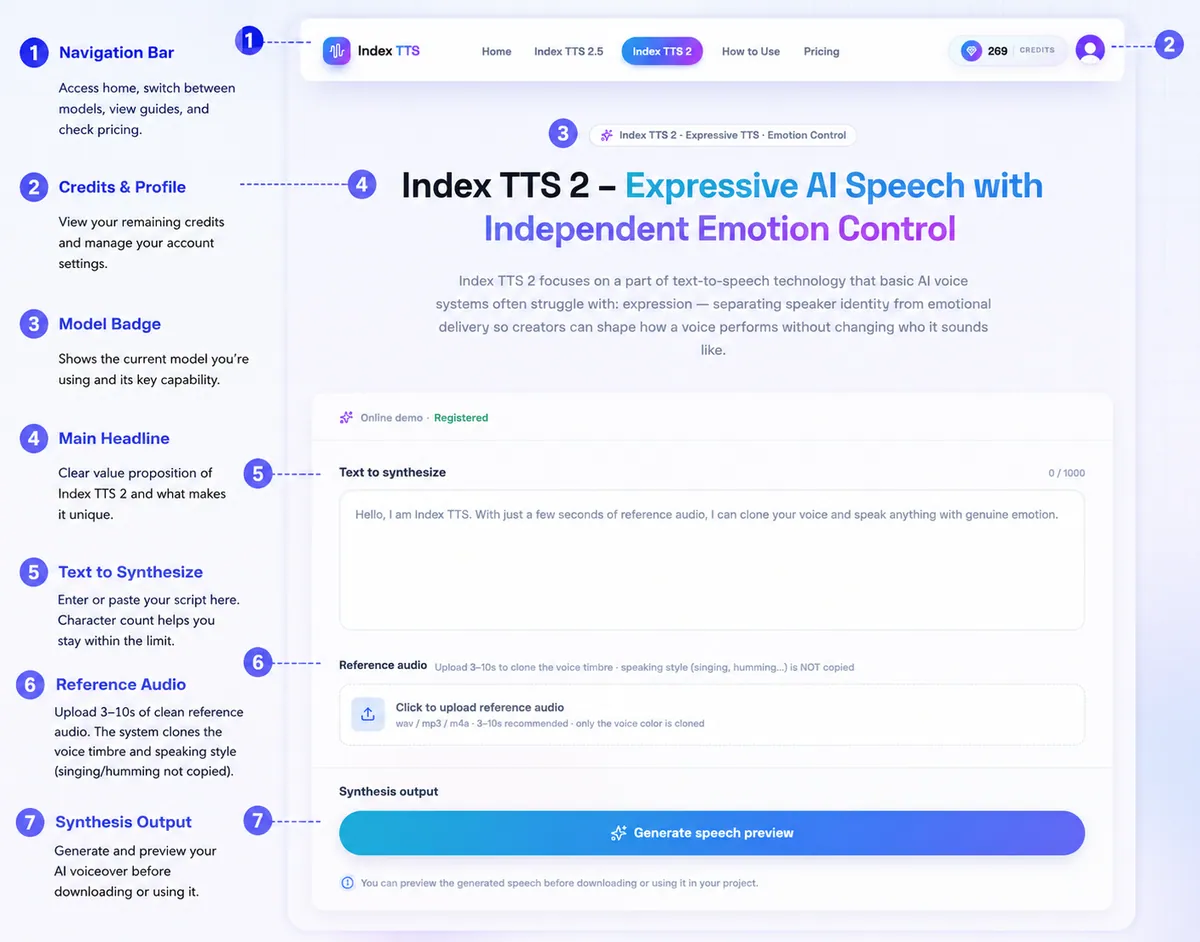
Annotated Index TTS interface showing text, reference audio, generation, credits, and model selection

Step 1

Decide What You’re Making

Before opening the demo, decide what the voice needs to do. A calm product explainer needs different handling from an emotional character line or a multilingual campaign.

This first decision keeps later tests focused. You are not locking the project to one model forever; you are choosing the shortest path to a useful baseline. The models share the same product workflow, so you can compare them later without rebuilding the entire project from scratch.

  • Plain narration or a stable voice clone: start with Index TTS.
  • Expressive character dialogue: choose Index TTS 2.
  • Multilingual delivery and speed control: choose Index TTS 2.5.

Step 2

Prepare a Clean Reference Clip

Use 3–10 seconds of authorized reference audio. Reference quality matters more than any setting you adjust later.

Choose one speaker, steady volume, minimal room echo, and no music or overlapping voices. The tool follows the voice color; you can shape delivery later.

Avoid clips pulled from noisy videos, recordings with another person speaking in the background, and audio that has been heavily processed with effects. A calm reference does not force every output to sound calm—the speaker reference establishes identity, while supported emotion controls shape delivery.

Index TTS reference audio upload control for WAV, MP3, and M4A files

Step 3

Write a Short Test Script

Start with one or two sentences you would actually use. A short test exposes pronunciation, pacing, and voice-similarity issues before they affect a full narration.

Use complete sentences and punctuation that reflects how the line should be spoken. Commas can suggest short pauses, while periods separate complete ideas. Catching a difficult name or unnatural clause here is much cheaper than discovering it halfway through a five-minute narration.

Welcome back. Today we’re looking at something that’s easy to miss, but changes everything once you notice it.
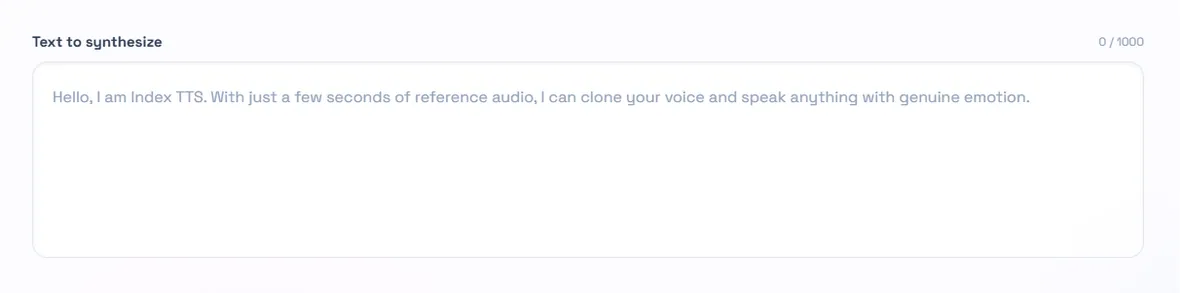
Text to synthesize field in the Index TTS online tool

Step 4

Upload and Generate

Paste your text, upload the reference audio, and press Generate speech preview. Keep the first pass simple so you can judge the clone before adding emotion or speed changes.

This is the baseline generation: text plus voice, without extra delivery instructions. Save or note the result so every later experiment has a clear comparison point. If the baseline is not convincing, solve that problem before producing more versions.

  • Text to synthesize: up to 1,000 characters per generation.
  • Reference audio: WAV, MP3, or M4A.
  • Generate a clean baseline with default delivery controls.
Generate speech preview button in the Index TTS tool

Step 5

Listen Critically

Play the whole clip. Check whether the speaker resembles the authorized reference, whether names and technical terms are clear, and whether punctuation creates natural pacing.

If similarity is weak, return to the reference recording first. Emotion and speed controls shape delivery; they cannot rescue a poor source clip.

Listen past the first few words. Some issues only appear at sentence transitions or on stressed syllables. When a line rushes through commas or joins separate ideas, revise the written punctuation before changing the global speed control.

Index TTS generated speech player with spoken text for review

Step 6

Add Emotion When It Helps

Index TTS 2 can guide the same speaker toward a different emotional delivery. Use one clear direction at a time and compare the result with your baseline.

The useful distinction is speaker identity versus performance. Keep the approved speaker reference stable, then test an emotion reference or a plain-language direction where supported. Subtle guidance often sounds more believable than an extreme value.

Try: calm and reassuring; excited but controlled; soft and melancholic; or nervous and uncertain.

Step 7

Set Language and Speed

For multilingual work, select the language that matches the text and test brand names or mixed-language terms in a short sentence. Adjust speed gradually instead of jumping to an extreme.

Review each language independently with someone who understands it. A brand term that sounds correct in English may behave differently under another language’s phonetic conventions. Small pacing changes are also safer because they preserve intelligibility and natural rhythm.

English test: Introducing the lightest model in our lineup yet — built for people who never stop moving.

Step 8

Scale Up Carefully

Once the baseline sounds right, divide long scripts into an introduction, sections, scenes, and a conclusion. Reuse the same reference audio and settings so isolated lines can be regenerated without disturbing the rest.

A repeatable process is more valuable than one lucky output: change one variable at a time, listen, and keep the setting only when it improves the result.

Section-based generation also makes files easier to name, review, replace, and hand off to an editor. If one sentence fails, you only regenerate that section. Emotional transitions can be planned scene by scene without introducing accidental variation across the entire script.

Fix the input before adding more controls

Most early problems can be isolated quickly when you keep the test short.

Doesn’t match the reference

Use a cleaner authorized clip with one speaker and no music.

Too emotional or too flat

Move emotion strength one step at a time and compare with the baseline.

One word sounds wrong

Test that word in a short sentence before regenerating the full section.

Long output feels inconsistent

Split the script into sections and keep the same reference and settings.

Five ways creators put Index TTS to work

The core process stays the same. What changes is the point where each project needs extra review or control.

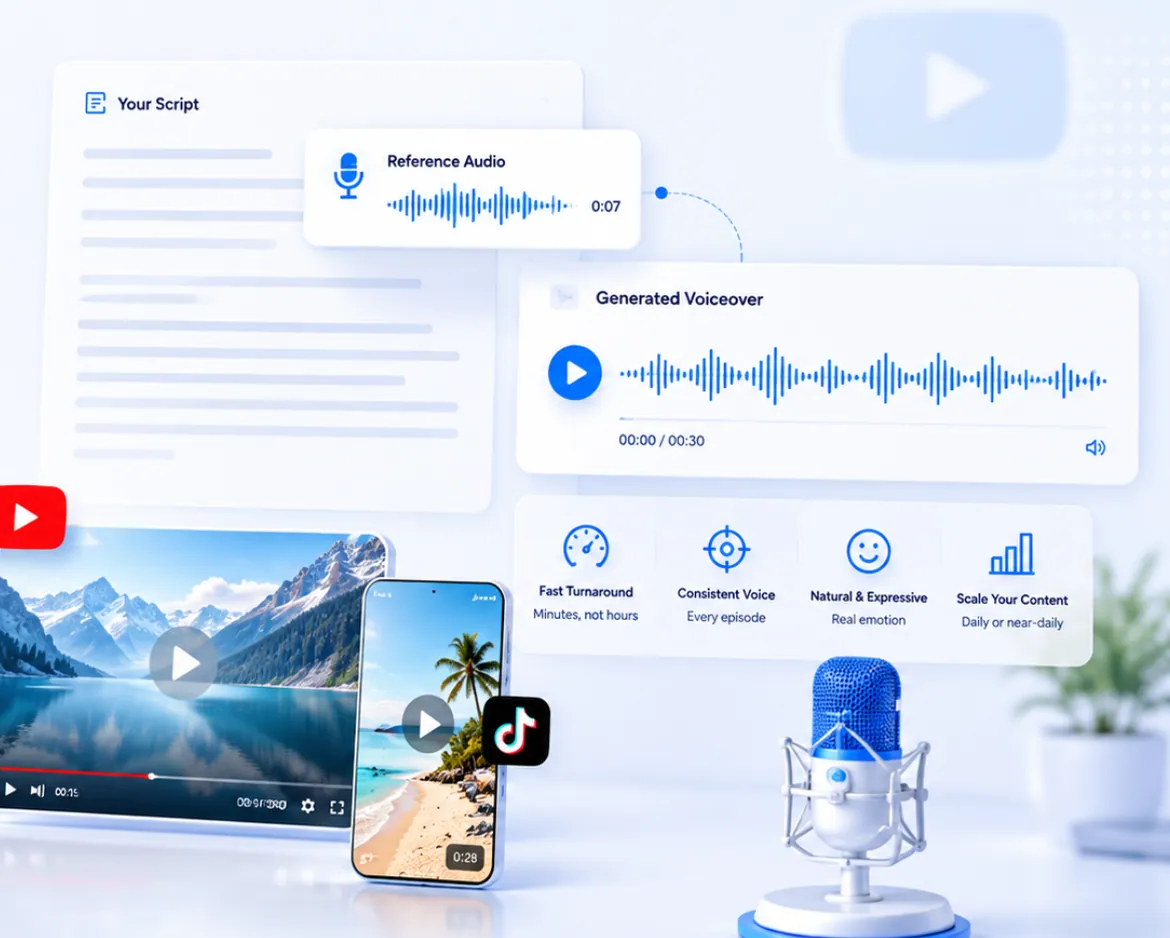
Illustrated Index TTS workflow for YouTube and short-form narration
Creator workflow 01

YouTube and Short-Form Narration

Creators can turn a written script into a consistent voiceover without arranging another recording session each time a sponsor line, caption, or scene changes.

Generate the script in sections. When an edit arrives, regenerate only the affected sentence and place it back into the timeline. Reusing the same approved reference and settings helps keep the host voice consistent across episodes.

This is especially valuable for short-form production, where captions, hooks, and sponsor requirements may change close to publication. A repeatable synthetic voice can also reduce variation caused by fatigue or recording conditions, while the creator remains responsible for final editorial review.

Best habit: save the approved reference clip and baseline settings with the project.
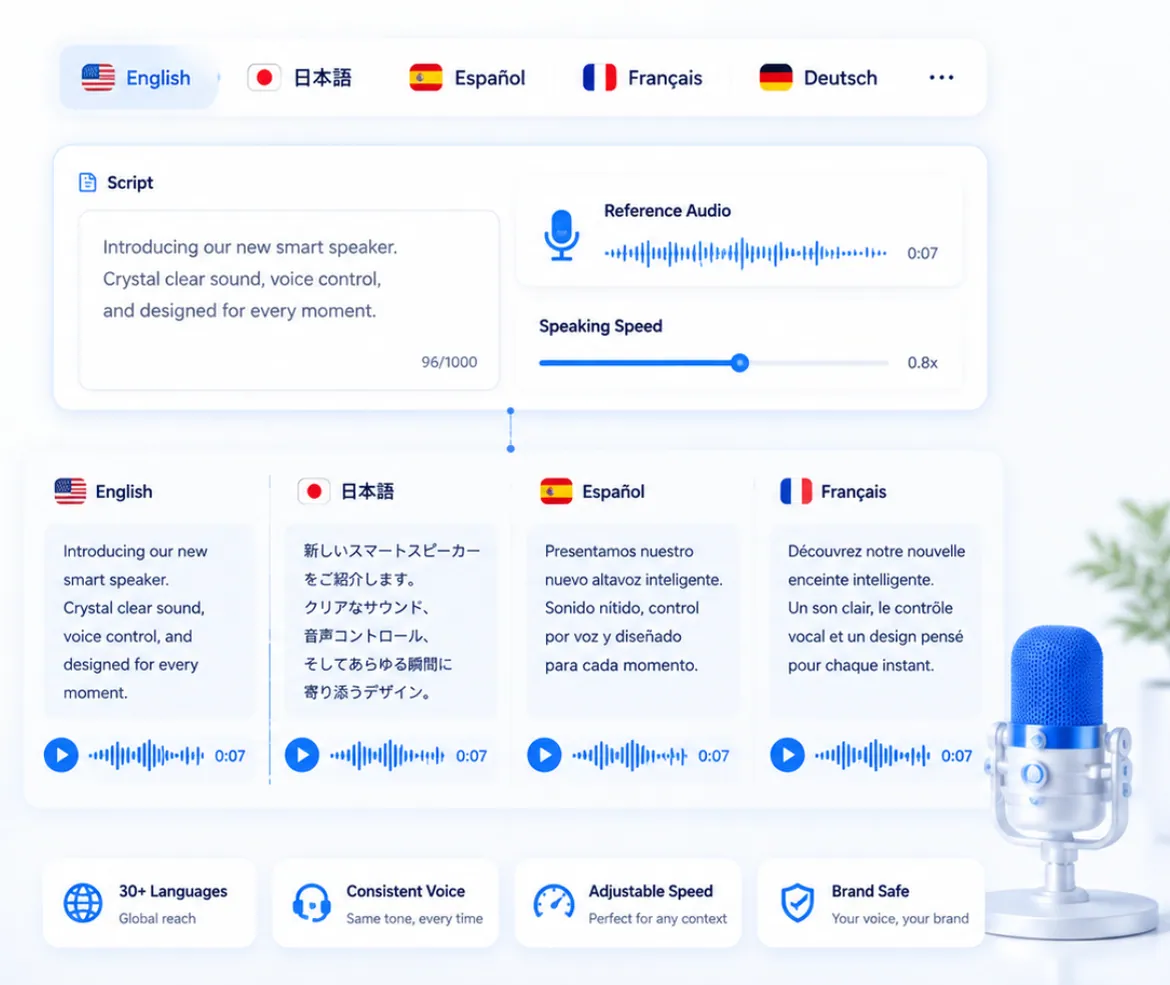
Conceptual multilingual product marketing workflow using Index TTS
Creator workflow 02

Multilingual Product and Marketing Copy

Marketing teams can validate one short localized line before producing an entire campaign. Check brand names, product terms, and mixed-language phrases first because phonetic conventions change between languages.

Index TTS 2.5 is the practical starting point for supported multilingual generation and pacing adjustments. Keep the source meaning consistent, then review every language with a capable speaker before publishing.

Cross-language voice transfer can help a campaign retain a recognizable vocal identity, but localization is more than literal translation. Sentence length, cultural tone, and the amount of time available in the video all affect the final read, so each version needs its own listening pass.

Best habit: approve terminology and pronunciation language by language before scaling.
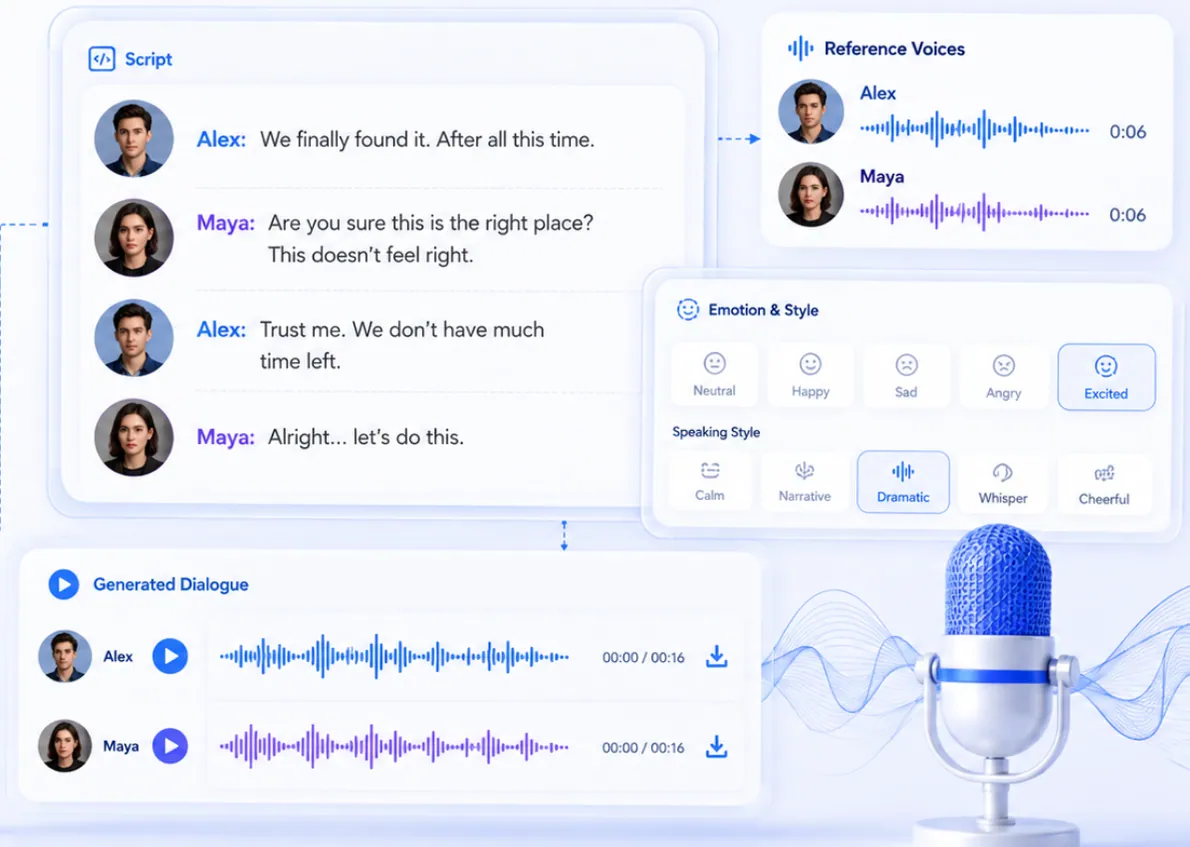
Illustrated Index TTS 2 workflow for expressive character dialogue
Creator workflow 03

Expressive Character Dialogue

Game writers, animators, and interactive-fiction teams often need the same character to sound calm in one scene and frightened in the next without losing their identity.

Index TTS 2 separates speaker identity from emotional guidance. Teams can test plain-language emotion descriptions on one line, record what works, and build a small internal library of reliable directions for later scenes.

A controlled library might include restrained excitement, guarded suspicion, quiet sadness, and relief after tension. Testing those directions on the same sentence makes their differences easier to hear and prevents the character’s identity from being confused with the emotional source.

Best habit: compare emotional versions against the same neutral baseline.
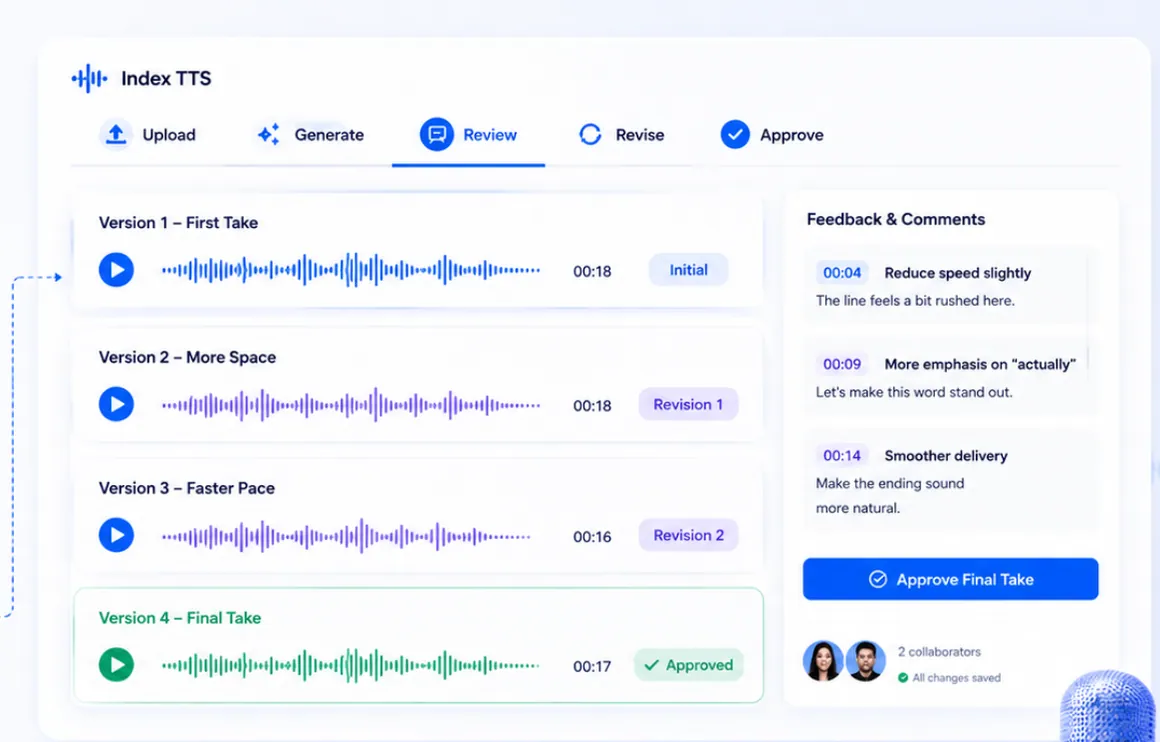
Illustrated client review and voiceover iteration workflow with Index TTS
Creator workflow 04

Fast Iteration for Client and Ad Copy

Freelancers and small studios can compare several pacing or tone directions during a review instead of waiting for another recording round. This is useful for locking timing and creative direction early.

Try a neutral read, a warmer and slower version, and a higher-energy version of the same line. For final broadcast work, the approved AI draft can also serve as a timing reference for a human performance.

Label versions with the changed variable rather than vague names such as final-two. A review team can then compare neutral, warm-slow, and high-energy outputs without guessing what changed, and the winning direction can be reproduced consistently on the next line.

Best habit: change one delivery variable and label every version clearly.
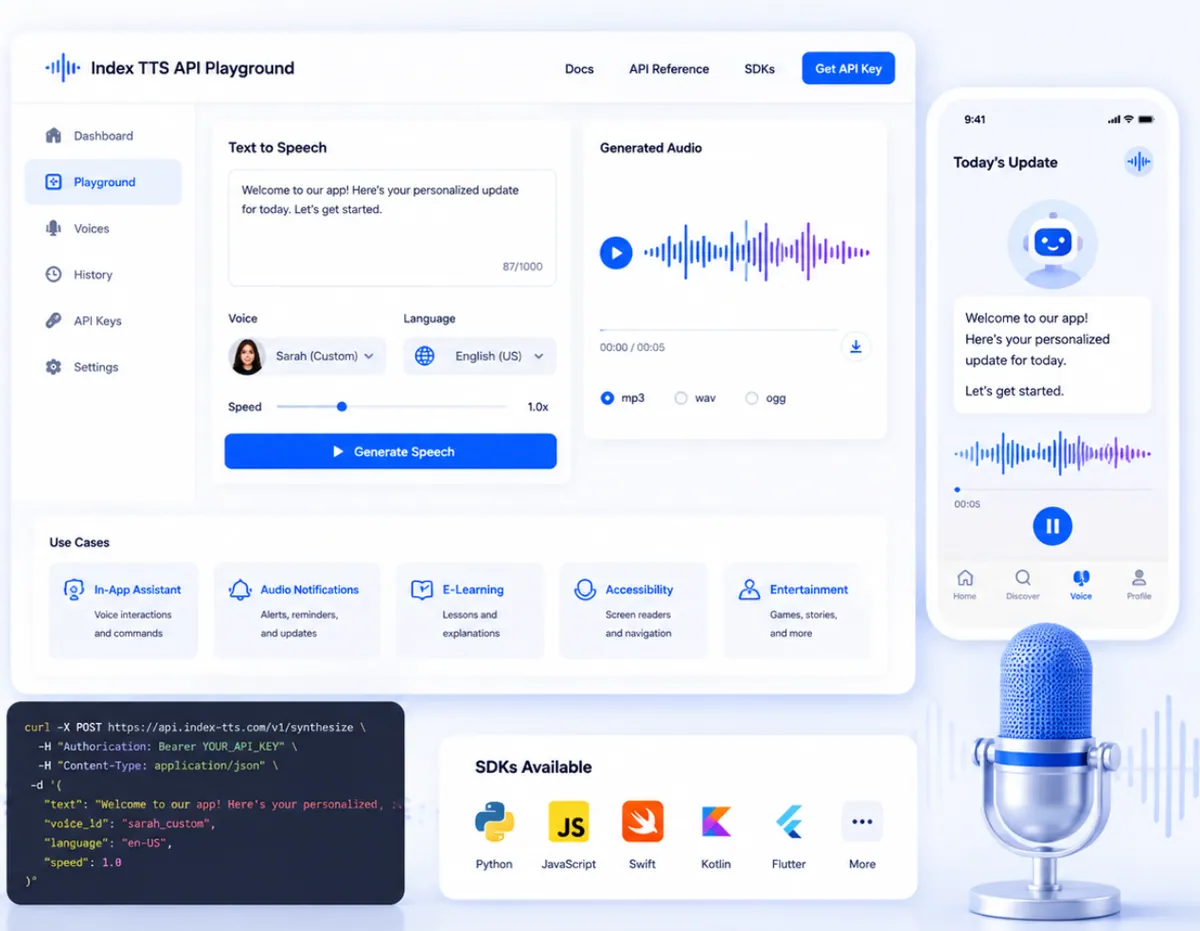
Conceptual developer prototype workflow for local and self-hosted Index TTS
Creator workflow 05

Prototypes and In-App Voice Features

Developers building assistants, interactive characters, or accessibility features can validate voice quality in the browser before investing in a local or self-hosted setup.

The official open-source repository documents Python inference, a local WebUI, and deployment options. The illustration is conceptual; use the official repository—not addresses shown in the artwork—for current implementation details.

Prototype with representative scripts rather than a single polished sentence. Check short confirmations, long explanations, uncommon names, and failure states. Once the voice experience is convincing, measure generation latency, GPU requirements, concurrency, privacy, and operational cost against the product’s real constraints.

Best habit: prove the voice experience first, then evaluate latency, privacy, and infrastructure.

Which Index TTS model should you start with?

Match the first model to the most important requirement, then test before committing to a longer production run.

Stable foundation

Index TTS

Start here for straightforward zero-shot voice cloning and narration.

Explore Index TTS

Expressive delivery

Index TTS 2

Choose this for character work and projects where emotion matters.

Explore Index TTS 2

Language and pacing

Index TTS 2.5

Choose this for supported multilingual output and speaking-speed control.

Explore Index TTS 2.5

Need to estimate a production run? Compare one-time credit packs on the Index TTS Pricing page.

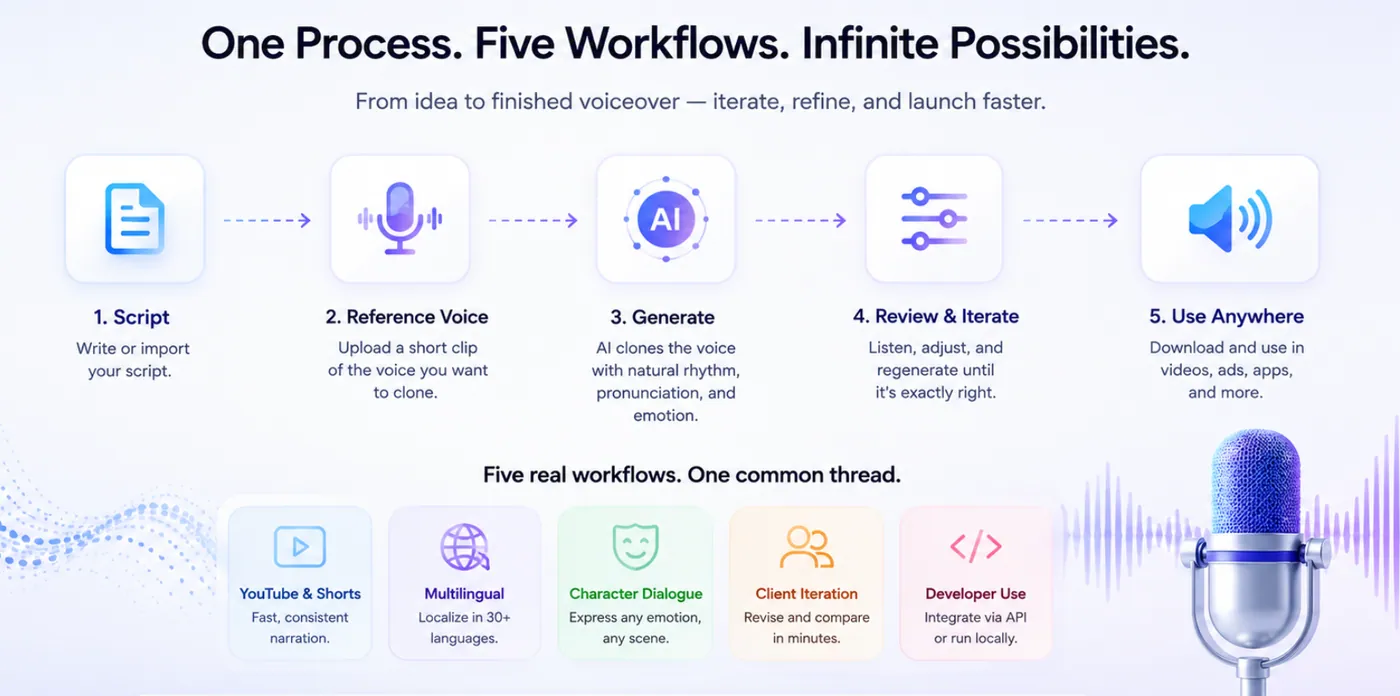
One repeatable Index TTS process applied to five creator workflows

Treat voiceover as an iterative asset

A generated take can be tested while the script is still changing. That moves feedback earlier, makes revisions easier to isolate, and lets localized versions progress in parallel. The advantage is not simply generation—it is a repeatable review loop.

For local installation, GPU setup, structured emotion controls, and deeper troubleshooting, continue with the complete technical Index TTS guide.

Keep consent and editorial review inside that loop. Record where a reference came from, confirm that its intended use is authorized, and retain the script and settings that produced an approved output. Before publishing, listen in the actual context—a phone speaker, a video timeline, a game scene, or the target application—because an isolated clip can sound different once music, sound effects, compression, and surrounding dialogue are present.

Generate one short clip and learn from it

Start with a clean authorized reference, a useful test sentence, and one baseline. Review the result before you add complexity.

Technical reference: official Index TTS repository. Use only recordings you own or are authorized to process.